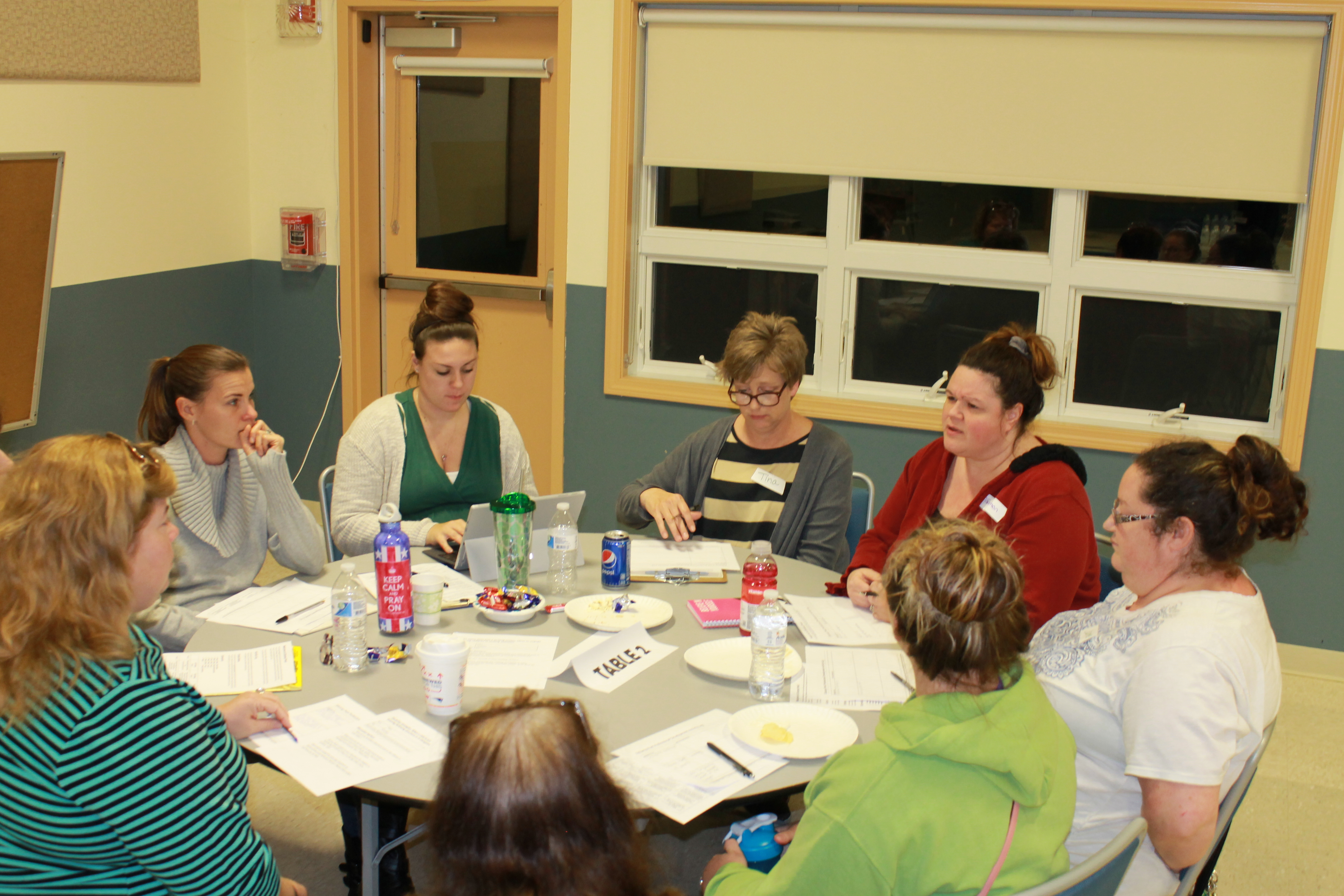
Edcamp for early educators

After learning about the concept of an edcamp training during a course I am taking at the University of Saint Joseph; I knew this was something I wanted to organize for preschool teachers and staff in my local area.  I put together the following educational video (below) to explain the idea of an edcamp; and how I applied the model to deliver a professional development session specifically for preschool teachers, directors and child care staff.

What is an Edcamp all about?

Edcamps are free, participant-driven professional development which is done in an “unconference” format.  Session topics are determined by participants, and there are no pre-scheduled presentations or keynotes. The goal is to keep sessions spontaneous, interactive and responsive to everyone’s needs. (Visit edcamp.org to learn more.)

I adapted the Edcamp style to create a shorter professional development session (2 1/2 hours) for infant, toddler and preschool teachers, as well as child care staff and administrators. 

How did the Edcamp work?

  • Participants registered and submitted topic ideas in advance.  

    Using an online registration page, participants were asked to register and submit one or multiple topics for consideration as a breakout session.  About a week prior to the training, I setup a schedule based on session topics that were submitted.  Having topics submitted and the schedule set beforehand allowed us to streamline the training into the shorter timeframe.

  • Participant chose what sessions they wanted to attend.  

    Participants self-selected breakout sessions that were of interest based on the final published schedule.  Teachers were encouraged to move to another session if they had selected a session that did not meet their needs. 

  • Experience, not Experts.  Everyone participated!

    This is the best part!  There is no one expert giving a presentation.  Everyone actively participated, with the guidance of a volunteer facilitator, or discussion leader.  Everyone was encouraged to ask questions, share best practices and support each other to get the most out of the training.  

  • Notes were taken and shared!

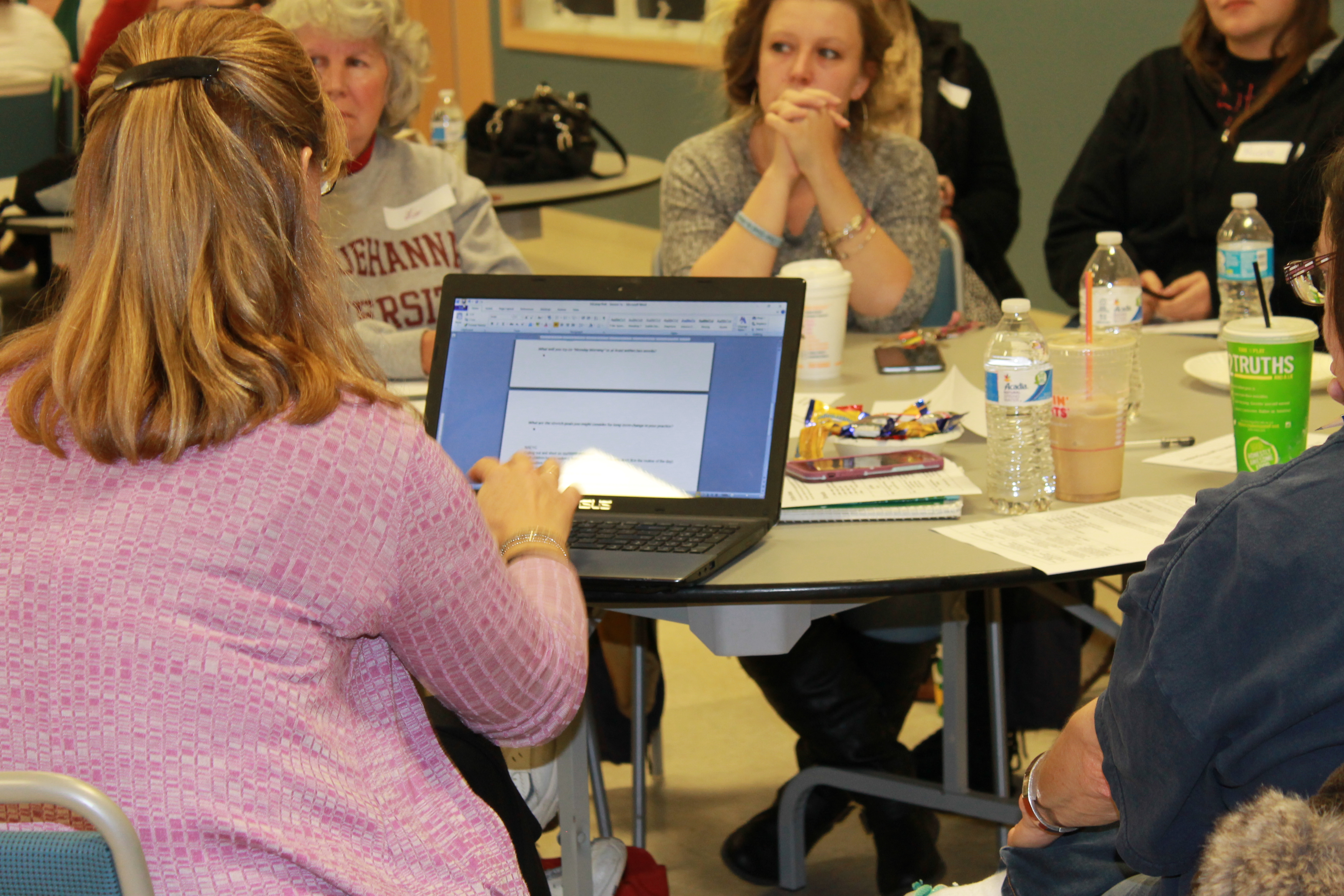
    Participants were given a “session log” to take notes on anything that was important to them. Digital notes were also taken on laptops that were available for each breakout session.  After the training, all laptop notes were uploaded to Google docs and made accessible to all those that attended.  In this way, teachers had access to notes from ALL the sessions (even the ones they didn’t attend)!


 What did participants think about the Edcamp experience?

The feedback was very positive, with many attendees wanting to have another training in the future.  Here is a snapshot of some of the responses:

I loved being able to talk, reflect, share and learn from other centers, directors, staff and my staff!

Do another Edcamp!

Very helpful!  Really enjoyed the open discussion.

I liked the networking/discussions with teachers that I do not work with and compare what works in their classrooms on the topics of stress, literacy and movement.

I think that it was really interesting to be able to talk with other teachers.


Anyone can organize an Edcamp!

Take a look at the video below to get a peek at how we setup this edcamp training for ECE professionals. I hope it inspires others to consider this type of collaborative training model for their school and/or community!
A few of my favorite #DigCitSummit things!

The Digital Citizenship Summit is a conference that focuses on engaging in conversations about kids and technology use. This organization brings together parents, educators, industry organizations AND students to talk about positive ways to address social media and technology use as a community.

The latest DigCitSummit took place in Utah on November 3 & 4, 2017.  If you follow #DigCitSummit, you can see the conversations that took place.  Here are a few of my favorite resources that I learned more about from the Summit!

Favorite thing #1

BOOK:
“Noah’s New Phone – A story about using technology for good” –  

I love using books and stories as a way to teach kids.  It’s a great way to help connect with them at a level that is age-appropriate and meaningful to them.  This book is geared towards kids ages 7-11, and can be used to start the conversation about good ways to use a cell phone when introducing it to your child.

Favorite thing #2

WEBSITE: 
educateempowerkids.org

This website is a great resource for parents and teachers as they teach their kids about digital citizenship, media literacy and the dangers of inappropriate online content.  There are sections for parent that include videos to help guide you through digital issues you may face; such as how to react when your child is obsessed with a video game.  There are also lessons with activities to teach about many topics, such as media literacy, gratitude, using tech for good and more.

To get an idea of what you can find, start with this post on “5 ways kids can use smartphones for good“.

Favorite thing #3

SOCIAL LEARNING TOOL: 
Flipgrid

Flip the classroom and break down the walls!  Flipgrid is a video discussion tool that teachers can use in the classroom to promote student voice and collaboration.  Teachers can add a topic which the students can respond to using short videos. Use it to engage with the classroom across the hall, a school in another state or a classroom in another country.  

Favorite thing #4

COMMUNITY ORGANIZATION:
BRAVE Girls Leadership Inc. – girlsarebrave.org

Our mission of this amazing student-run organization is “to inspire and challenge humans to be BRAVE and self-empowered contributors to a better world”. They work towards this mission through mentoring, leadership opportunities and community engagement projects – all run by and for students! 


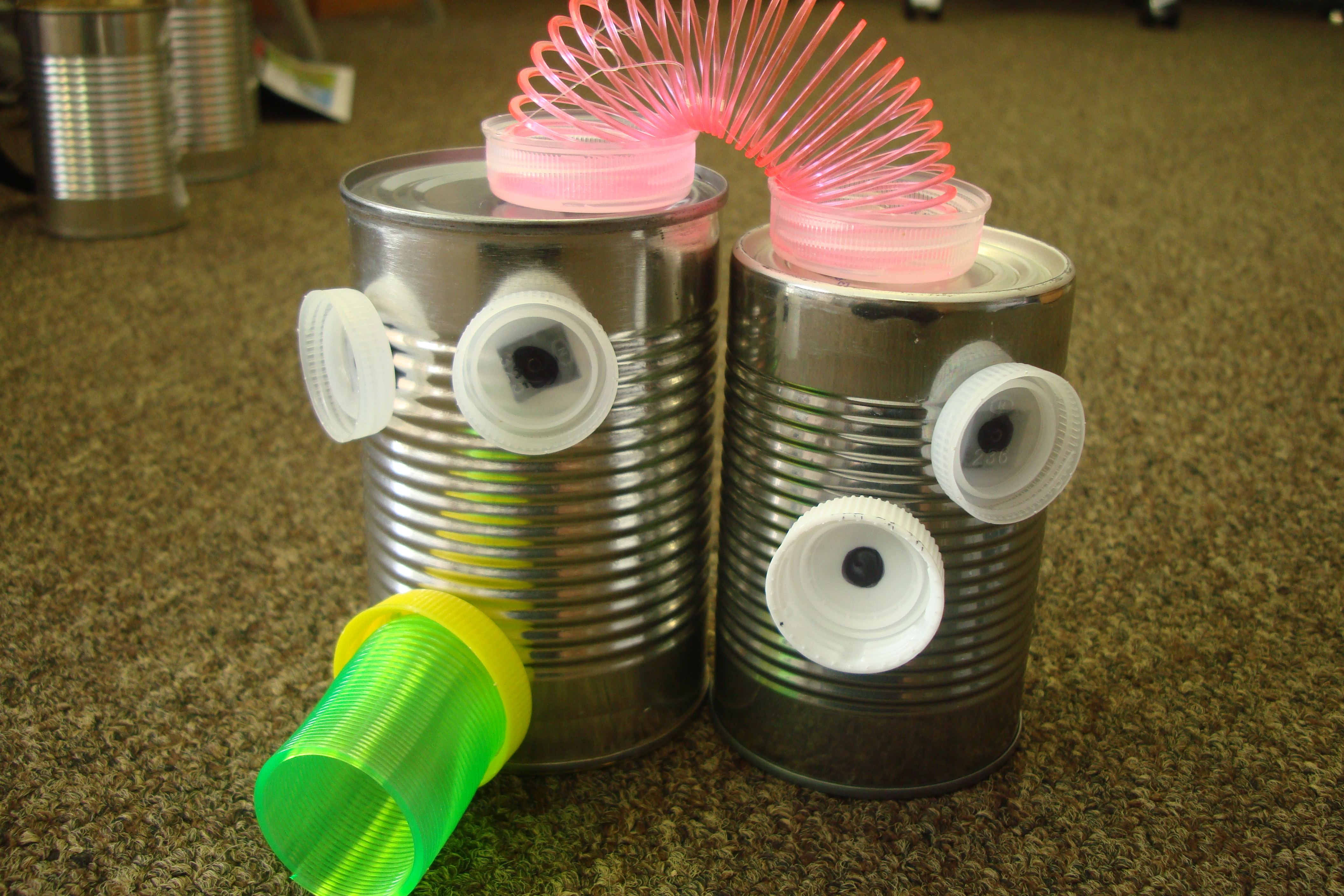
Being MAKERS in preschool!

Today, October 24, 2017 is #GlobalMakerDay!

Did you know that? Global Maker Day is a day of learning, sharing and MAKING!  You can take a peek inside other classrooms and view presentations to inspire your students to create. Their theme is to “Create locally and share globally“!  During the online Youtube presentations, elementary and middle school classrooms around the world participate by sharing what their students create on Twitter using #GlobalMakerDay.  What a great concept for students to learn from each other.

For early childhood educators, hopefully almost EVERY day is MAKER day!  Young children are natural MAKERS … they have a natural curiosity to explore, build and experiment with the world around them. As teachers, we can intentionally set up opportunities for preschoolers to be MAKERS by providing them the materials, space and time to be collaborative, inclusive and creative; while also providing an opportunity for problem-solving.


I found some great Youtube resources to help preschool teachers think about ways you can incorporate more MAKER opportunities in your early childhood classroom …

Check out globalmaker on Twitter!


DigCitKids Challenge: How do you help your neighbors?

If you read my first post on digital citizenship, I shared what it is and how we can start by teaching our kids that when it comes to technology … it’s important to BE GOOD and use it FOR GOOD.

Using technology FOR GOOD

As a way to get started, I encourage you to check out the DigCitKids Monthly Challenge: How do you help your neighbors?  This is a great idea for classrooms of all ages/grades to start a conversation on ways we can help our neighbors – both near and far. For the month of September, the challenge is to come up with ways to help your neighbors.

Start by asking your kids to brainstorm answers to the following question ….

Then go to the DigCitKids page to take the pledge and share your ideas on Twitter using #bethatKINDofkid!

Don’t forget to tag @theseedsnetwork as well, so we can follow along! 🙂

Digital Citizenship: What is it and why is it important in the education of our children

It’s back to school time!  But this year, it’s not just my kids who are in a classroom.  I have taken the plunge to go back to graduate school again; this time pursuing a degree in educational technology.  For me it’s a perfect fit, as it blends my career history and interests.  While I am both excited and terrified at the same time, I am eager to begin sharing what I am learning. 🙂

My first class, to my great delight, is called “Technology for Learning” being taught by Marialice B.F.X. Curran, Ph.D. (you should definitely check her out on Twitter!).  We are 2 classes in, and the focus for the semester will be on digital citizenship. This is the first time I have actually heard of the term. However, many elements of digital citizenship are what we strive to accomplish with this website. So, what is digital citizenship?

What is digital citizenship?

Digital citizenship is the norms of appropriate, responsible technology use. (Gribble, M. Retrieved from www.digitalcitizenship.net)

It’s the concept of what ALL users of technology need to know in order to be good online citizens.

When asked to define digital citizenship in my own words, my main takeaways were:
    • Being a responsible user of technology (using it wisely and safely)


    • Consideration for others when using technology to communicate and collaborate (social etiquette)


  • Understanding the way all users learn when using technology to teach, communicate and collaborate (not everyone will have the same comfort level and knowledge in using technology)

There is much more to it than this – in fact, there are nine elements to digital citizenship. As the semester goes on, we will cover each of those indepth. But this is a good starting point to begin thinking about how we can explain the concept to our children.

How do we explain digital citizenship to our kids?

Children are using all kinds of technology at an increasingly younger age. It is our job as parents and teachers to make sure that children know the “rules of the road” when it comes to technology use. We wouldn’t give our teenagers the keys to our car without first teaching them traffic laws and having them practice with an experienced driver.  The same level of care and instruction should happen when we allow our children to use a new technology or device.

Our first reaction in teaching our children safe and responsible technology use may be to focus on the “Don’ts”.  (“Don’t bully anyone online”, “Don’t share your personal information”).  Instead, let’s teach them what they should DO with technology!

For our youngest learners, let’s focus on the GOOD!
  • DO BE GOOD online!  Be kind, considerate and respectful in our interactions with others on the internet, phones and other devices.  We spend time teaching our children good manners, how to introduce themselves to a new friend and to be respectful to others.  Those same values hold true for online interactions.
  • DO use technology FOR GOOD!  Use it to learn, connect, educate and collaborate. Look for apps that promote cooperation and teamwork, videos that teach about other cultures, global read-aloud opportunities, etc.

More to come as the semester goes on. I hope you are interested in learning more about digital citizenship along with me!