Experiences that support early language and literacy learning

A great book I recommend for early education professionals to read is “Literacy Beginnings” by Gay Su Pinnell and Irene C. Fountas.  Fountas and Pinnell are well respected educators who have published various books about literacy learning. This book is focused on literacy experiences in the preschool classroom; and as such, can be used as a professional development guide for teachers who want to learn more about this topic.

This post is designed to serve as framework for a PD lesson for early educators who want to dive deeper into the chapters of this book. This post will focus on Chapter 5, titled “Using a Framework for Language and Literacy Learning“.

Read “Literacy Beginnings” – Chapter 5

The chapter starts off talking about essential learning experiences that need to be included in a prekindergarten classroom to support children’s development.  Some of these occur daily, whereas others occur over the course of a week. Activities such as circle time, outdoor play, projects (inquiry), choice time, reading and writing time are explained in this chapter. But then the authors talk about those activities that promote language and literacy.

For our exploration, we will focus on the reading activities that are discussed in this chapter.

Literacy Activities

The authors talk about 3 essential literacy activities: Read-Aloud and Shared Reading, Book activities and Library time.

With an interactive read-aloud, teachers read books to the children and talk with them about the story. Teachers can make the story interactive by asking the children questions, talking about new vocabulary, pointing to the illustrations and encouraging discussion.

Shared reading is when teachers and the children read the text together (using big books, flip chart poems or songs or writing a rhyme on the chalkboard).

Book activities are my personal favorite (usually done after one of the above reading experiences). It was great to read in this chapter how children respond to literature by participating in an activity after reading it. 

Library time is when children have the opportunity to explore the classroom library. The authors have recommendations of ways teachers can setup their libraries, and suggest including books that you have read to the class, in addition to having some written by the children. 

Exploring and Sharing Literacy Activities

After reading this chapter, choose ONE of the literacy activities explored and share a way that it can be incorporated into a preschool classroom. The activity can be one that you researched online, or one that you have actually done in the classroom. For example, if you have an idea for a good interactive read-aloud, please share the book and some of the ways you can make that story interactive. Or if you know of a good book activity to help reinforce a story, please share that.

I setup a Padlet below for teachers to share their ideas.  Just click on the pink plus sign (+) in the padlet below to post your idea (which could be a link, photo, video, text, etc).  I added a couple of examples to get started. Let’s fill it up the page with ideas!

Made with Padlet


ISTE standards addressed:

  • ISTE® 3c: Evaluate and select information sources and digital tools based on the appropriateness to specific tasks. (Standards•S © 2007 International Society for Technology in Education. ISTE® is a registered trademark of the International Society for Technology in Education)

English Language Arts Standards addressed:

  • CCSS.ELA-LITERACY.SL.11-12.5 Make strategic use of digital media (e.g., textual, graphical, audio, visual, and interactive elements) in presentations to enhance understanding of findings, reasoning, and evidence and to add interest. (© 2018 Common Core State Standards Initiative)
Exploring environmental print in the preschool classroom

Providing a print rich environment gives children an opportunity to explore and interact with various types of print in a variety of ways. As defined by Amanda Rock on About.com:

In a print-rich preschool environment, preschoolers are exposed to a host of different materials geared at reading and writing. Not only are the materials readily available for little ones to access as they wish, but their use are encouraged on an organic level — their utilization comes naturally, through lessons and play.

When preparing activities or classroom displays, think about print that is meaningful to the children in your class.  One way to do this is with the use of environmental print.

What is environmental print?

Environmental print is everywhere – it is the print of everyday life: signs and logos, comics and catalogs, newspaper and road signs.  There are a variety of fun and meaningful ways to bring environmental print into your lessons and classroom .. here are a few ideas!

Food containers, menus and magazines

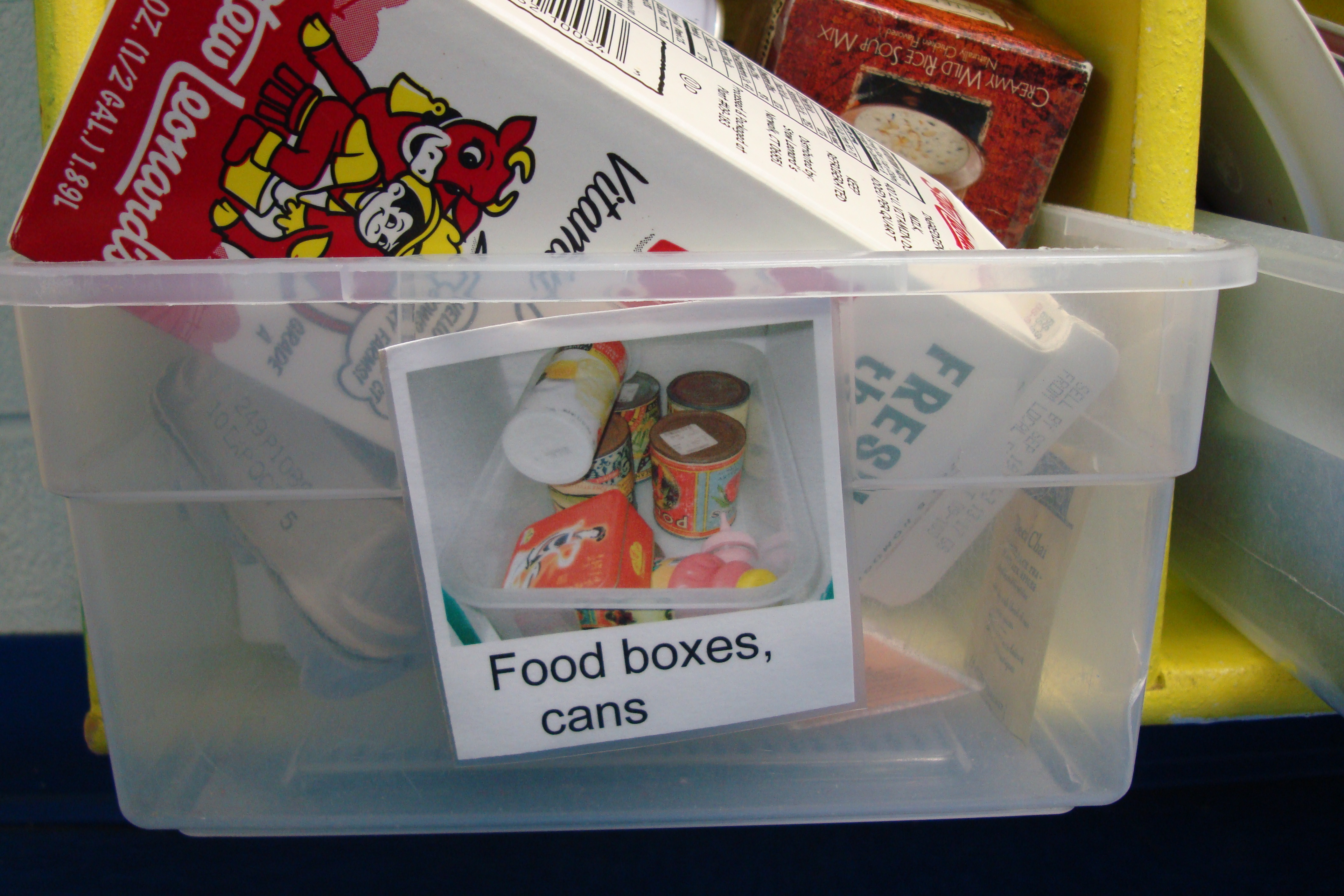
You can provide clean, empty food containers as props in the dramatic play area.  Better yet, have the families bring in food containers from food and products they use at home.  Children will be able to recognize and talk about the food and other items they use at home.

DSC08633

Picture1

This is also a great way to represent the cultural diversity of your classroom!

Picture2

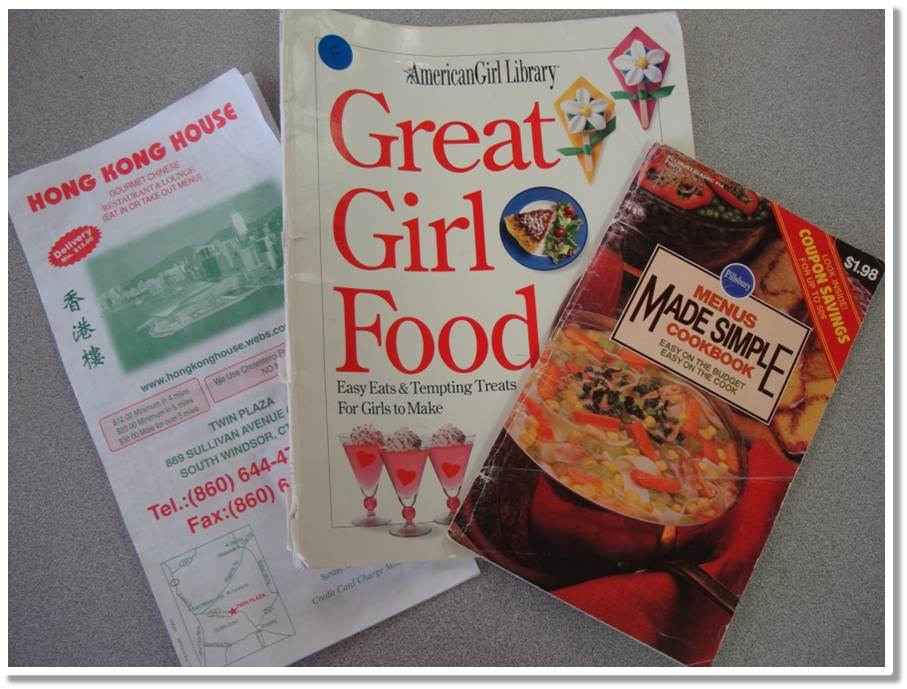
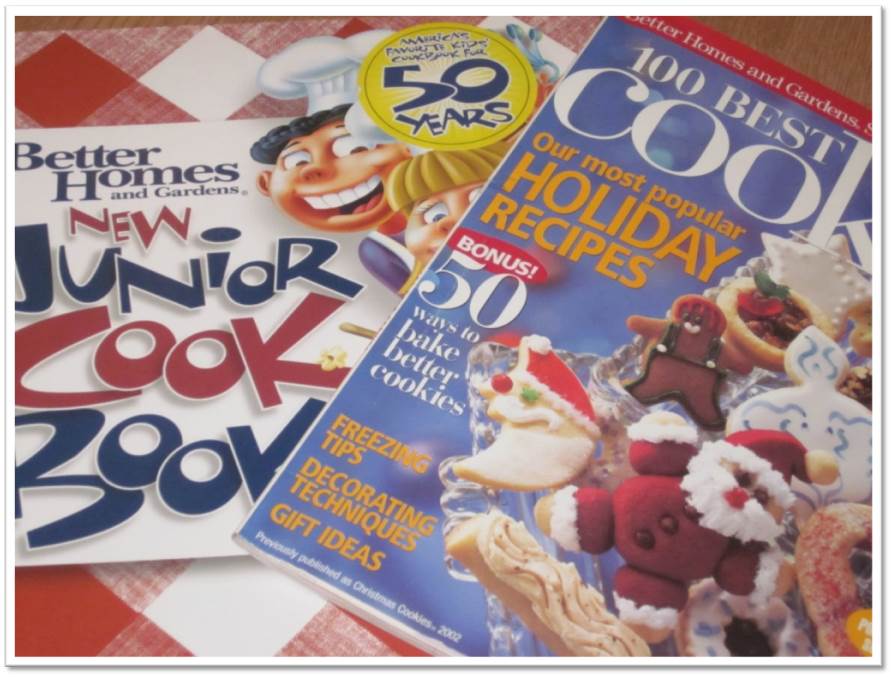
Also bring in magazines, cookbooks and menus as items that children can use in play.  As they pretend they are following a recipe or ordering from a menu, they are “reading” the items in the context of their own experiences.

Picture4 Picture5

Road signs

Pictures of street and road signs are another option for bringing environmental print into your classroom.  Encourage families to talk about what different road signs mean when they are driving around town.

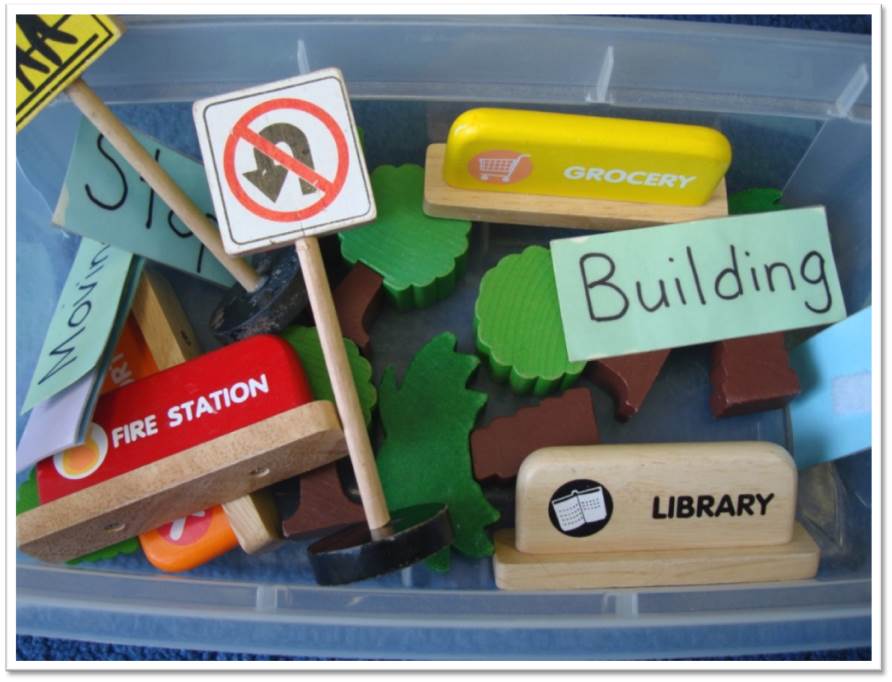
You can include road signs in your block center .. either printing your own signs or buying pre-made wooden or plastic ones.

Picture1

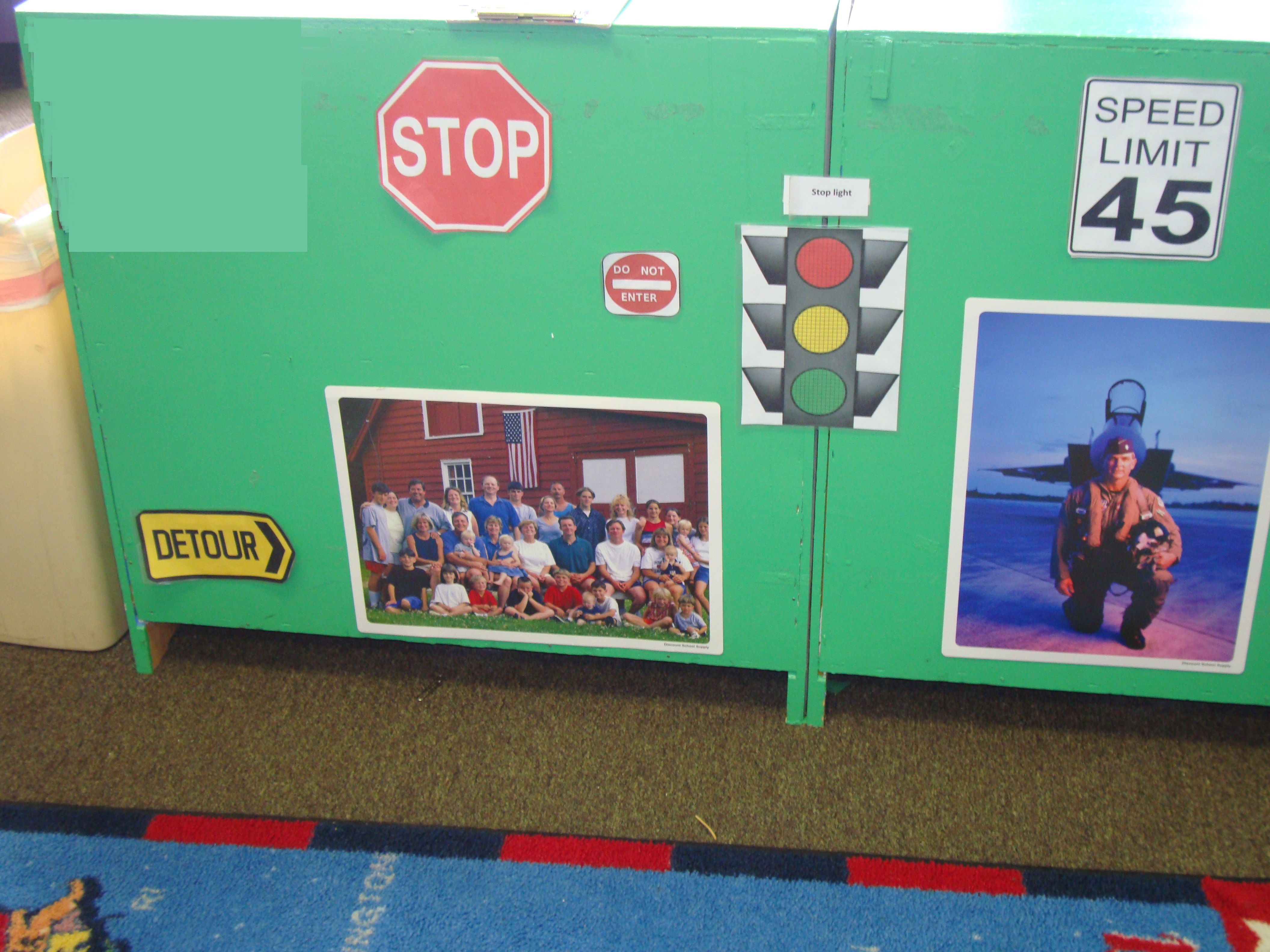
Or print some larger road signs to display on bulletin boards, walls or backs of cabinets.

DSC08106


Cereal box puzzles

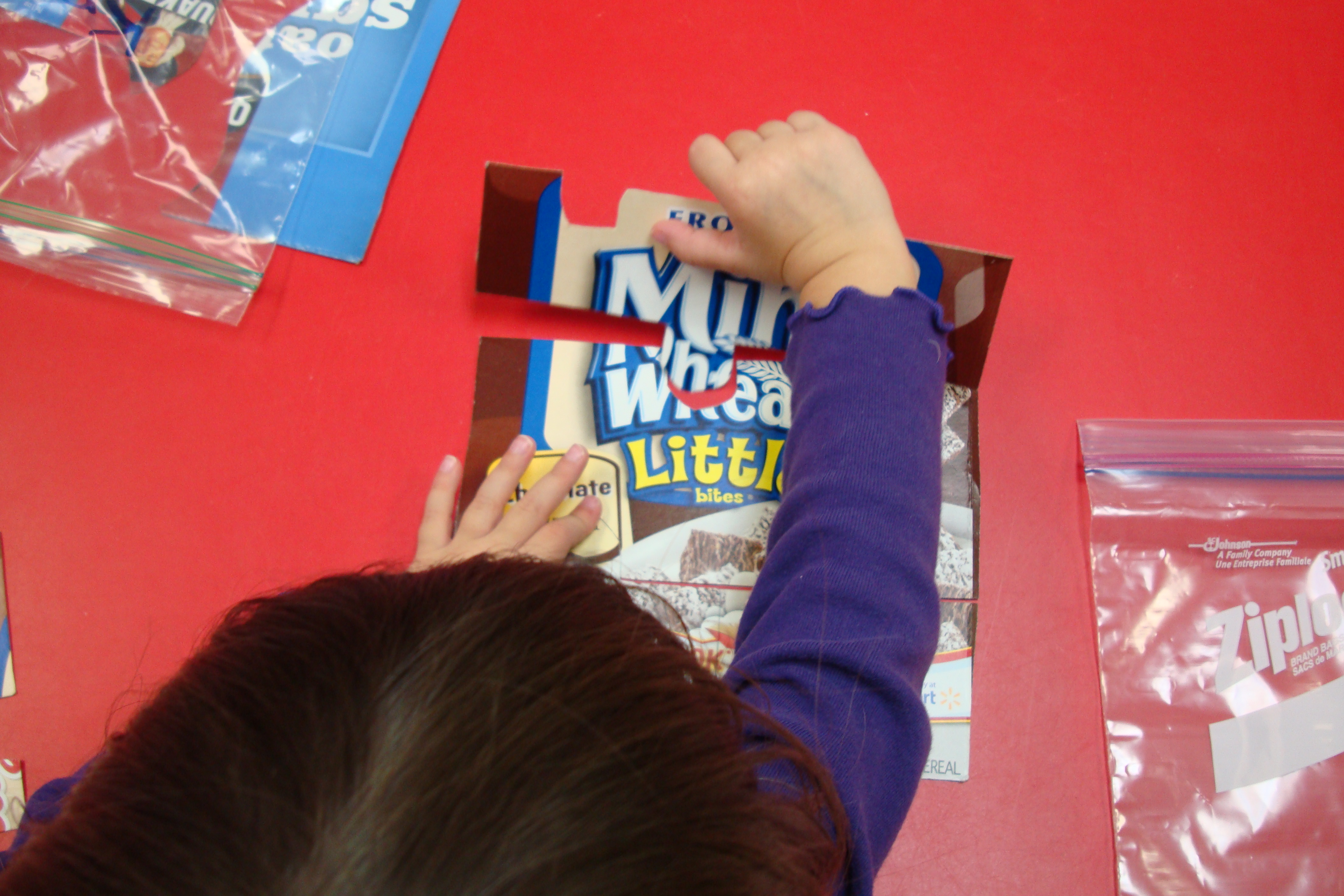
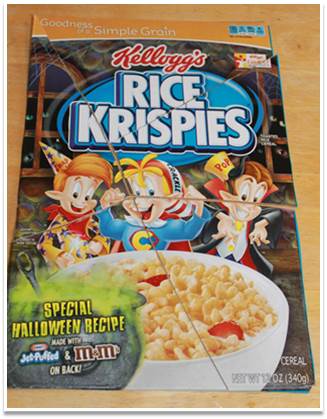
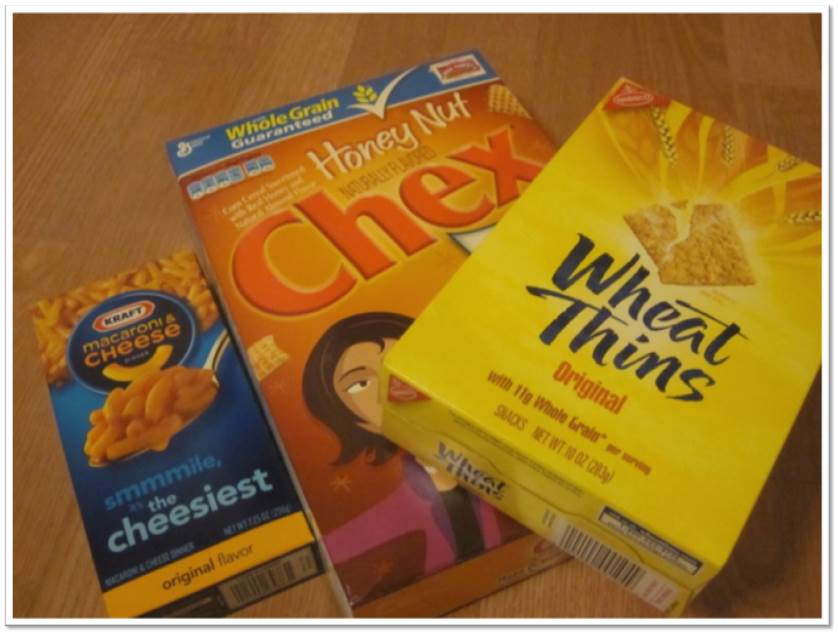
Another simple way for children to play with environmental print is to make some cereal box puzzles. Ask each child to bring in the empty box from a favorite cereal.  Teachers can then cut off the front, and then cut the cover into pieces like a puzzle.  For younger preschoolers, cut it into 2-3 large pieces – add challenge for older preschoolers by cutting into 4-6 pieces.

DSC04515

Put each box into a ziploc bag (to keep each cereal puzzle together).  Children can then try to put together the cereal box puzzle. Not only will the picture on the box give them clues to putting the puzzle together, but so will the PRINT.  Ask them to read it to you when complete!

Picture3

Vanessa Levin (Pre-K Pages) also has a lot of information and ideas for using ENVIRONMENTAL PRINT in her classroom, including using empty cereal box covers or lunch packaging to make a classroom book – check it out:  Environmental Print | Pre-K Pages

How do you currently incorporate environmental print into your preschool classroom?

Consider the diversity of your students, neighborhood landmarks and culture of the community. Can you brainstorm other ideas of print that would be meaningful to the children in your classroom?  How could you incorporate this type of print into a future activity?

Digital Storytelling in Early Childhood

My favorite part of teaching young children has always been STORYTIME!  I love the language of a really good children’s story, and how it can both delight and educate at the same time!  There are so many benefits to reading and engaging in storytelling activities with young children. 

Digital Storytelling

I am currently taking a graduate course where I am learning more about integrating technology into storytime through digital storytelling.  In exploring how this could be useful in an early childhood classroom; I crafted an instructional digital story to explain digital storytelling and how it can be used to support and enhance the curriculum.  Take a look below!!


Digital Storytelling Examples

Interested in what an end-product COULD look like for an early childhood class?  

The first example below is a digital story using photographs, music and student narration on how apples grow, after a class field trip to an apple orchard. 

This second example called “Train Parts: A Preschooler’s Digital Story” uses children’s illustrations and text with narration.  Notice the early writing skills demonstrated.

[Published by Ruth Ayers, 2011]

This example uses an online tool called Book Creator. 

You can explore more about using Book Creator in the Elementary Classroom.

I hope this information gives you a glimpse into the possibilities of how digital storytelling can be used in a preschool class.  Future blog posts will focus on some of the digital tools teachers can use for digital storytelling and other literacy activities!


Feedback

I’d love to hear from you!  Let me know your feedback so I can improve and add relevant information to support early childhood teachers who would like to explore digital storytelling.

Below are some prompts to guide your feedback. Please let me know your thoughts in the “leave a reply” section below.

  1. Did you find this video story useful in understanding what a digital story is, and how it can be used in early childhood?
  2. Did this video help you understand the benefits of creating a digital story in an early childhood classroom? Are there any other benefits that were not mentioned that you would like to share?
  3. What was the favorite thing you learned?
  4. What are some opportunities for improvement in the content or production of this video story?
  5. Any ideas/input of what content you would like to see in the future?

E-books in early education

Digital books or e-books can be used by early childhood teachers as a tool for storytelling. Teachers can work with preschoolers to co-create digital books with photos of the children’s play or work and attach audio files with child/children as the story narrator.

Young children can be involved in the making of a digital story in a variety of ways, such as:

  • taking photographs with a digital camera
  • acting out scenes
  • drawing pictures
  • narrating the story with their own words


Book Creator

Book Creator is a simple digital book-making tool available for both iPad and the web. Teachers in early childhood can use this tool to make their own simple books with images, videos, and audio. The free version of the tool allows the creation of up to 40 books. The example above is a simple e-book of a class field trip to an apple orchard, using pictures taken from the trip using Book Creator.

Have you used other online apps/tools to create any digital books with your class?  We’d love to hear about them and feature them on our website!  Share in the comments below, or email us!

Experiential and Discovery Learning in Teacher Professional Development


After looking at Experiential and Discovery Learning theories, I explored how they can be used in professional development settings for teachers.  Of particular focus, I looked at professional development studies that aimed at helping teachers to use technology more broadly in their classrooms.

Examples of Teacher Professional Development

In the studies reviewed (cited at the bottom), researchers looked at the impact of using experiential learning activities to determine if there is an effect on both the level of cognitive achievement, as well as the educators’ perception of experiential learning activities.

Examples from the studies included:

  • Coursework that had sections of the class engaged in experiential activities at technology facilities outside of the classroom, in addition to coursework. These interactions provided participants with hands-on opportunities to put into practice concepts they learned in the classroom.
  • A “Summer Institute” project for early childhood education teachers to interact with various instructional tools and technology applications. They explored multimedia tools, worked on self-selected technology-based projects which were peer-reviewed, and learned appropriate ways to search for and share digital resources.
  • A 6-month exploratory professional development program for early childhood teachers to introduce iPads in the classroom. (This used a discovery-based approach, as the teachers were intentionally not given any specific direction in how to incorporate the iPad into their teaching. Teachers had the freedom to use the iPad at their own discretion, and in a way that made sense for them.)

Some noted results from the studies:

  • The cognitive achievement was higher for those who participated in experiential learning activities as part of the course.
  • The perception of experiential learning activities was shown to be very positive for the participants who engaged in experiential activities.
  • The teachers used the iPads to increase their efficiency with existing tasks, such as recording student learning and communicating with parents.
  • A smaller subset of the teachers also used the iPads to enhance their curriculum; such as using the iPad to take pictures on a nature walk and making a class book with it afterward.

Some noted challenges:

  • It was noted that there needs to be follow-up support in order to sustain and expand upon the knowledge gained from these types of professional development.
  • Some expressed challenges to rounding out the experiential learning cycle were the scarcity of teachers’ time, support from administrators, funding and ongoing technical guidance (Keengwe and Onchwari, 2009).

What can be learned:

The results and approach of the research studies explored here can be used to inform and guide those who offer professional development training for educators.

Through these various examples, I saw how each of the learning models had a positive effect on teacher professional development; both in learning how to use and integrate the new technology and in teachers’ positive perceptions of the learning models used in the training.

One way to support teachers in implementing new instructional methodologies is by using those same models in their own professional training.  This was demonstrated by the changes in teachers’ perceptions of experiential learning activities in one of the studies explored here (Ernst, 2013, p. 39).  

The increased level of understanding and receptiveness to the value of experiential and discovery learning activities by educators is perhaps the greatest benefit to incorporating them into professional development programs.


RESOURCES

Ernst, J. V. (2013). Impact of Experiential Learning on Cognitive Outcome in Technology and Engineering Teacher Preparation. Journal Of Technology Education, 24(2), 31-40.

Keengwe, J., & Onchwari, G. (2009). Technology and Early Childhood Education: A Technology Integration Professional Development Model for Practicing Teachers. Early Childhood Education Journal, 37(3), 209-218.

Vaughan, M., & Beers, C. (2017). Using an Exploratory Professional Development Initiative to Introduce iPads in the Early Childhood Education Classroom. Early Childhood Education Journal, 45(3), 321-331.


QUESTIONS FOR REFLECTION:
  • Do you think that using experiential learning or discovery-based learning in a professional development setting will influence a teacher to use that model in his/her own classroom in the future?  Why or Why Not?
  • Which model of learning do you think would appeal to most adult learners: experiential/discovery-based learning or direct instruction?  Do you think the preferences shift in age groups of adults 18-35 vs adults over 35+?

Exploring Learning Theories: Discovery learning

What is Discovery Learning?

Discovery learning has its origins from theorist Jerome Bruner in the 1960’s, and is based on the student being an active participant in the learning process. The learning theory is based on inquiry and discovery; both in the content to be learned and the process of acquiring the knowledge.  

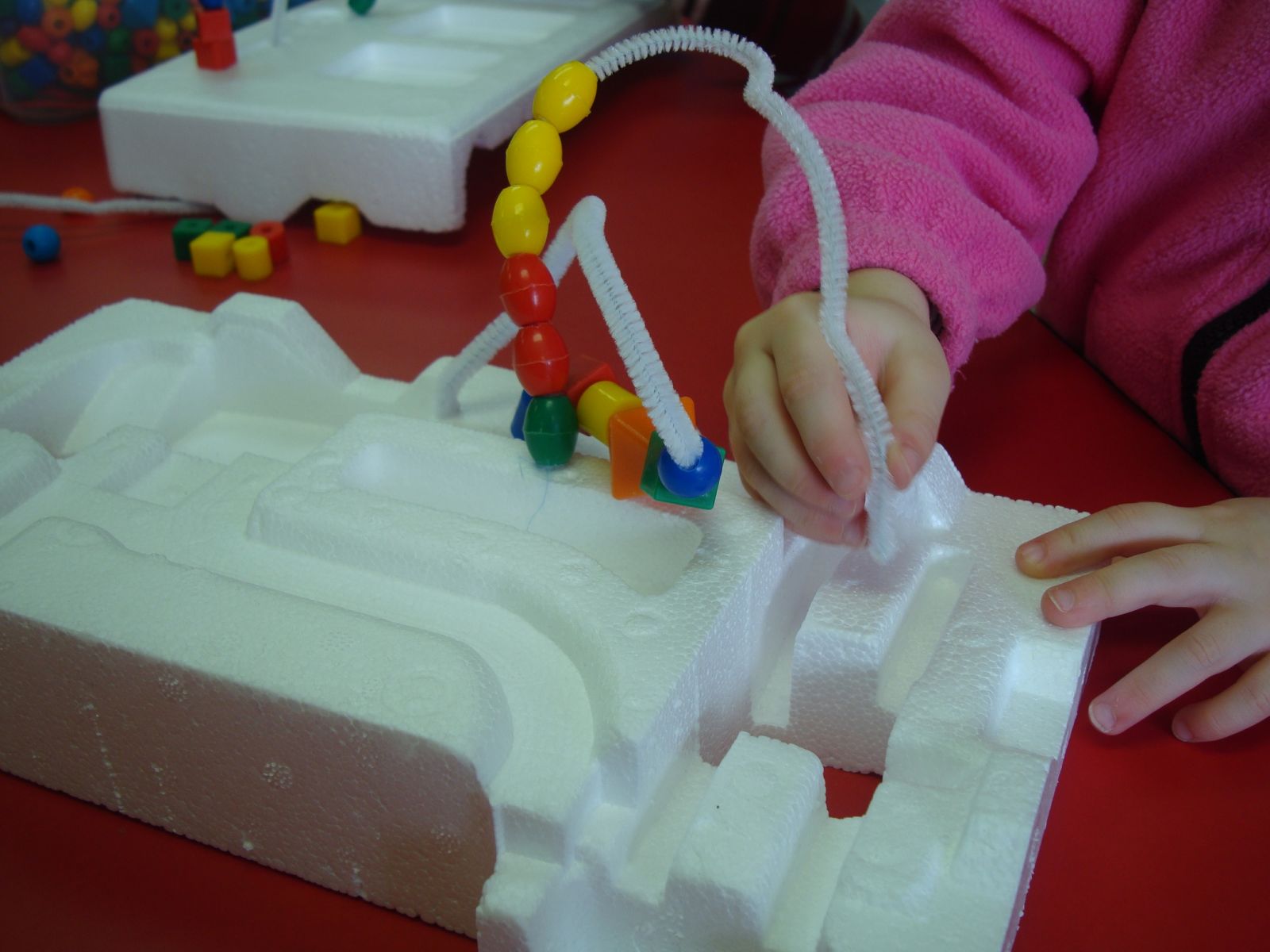
bead mazes

In a discovery learning classroom, students are encouraged to figure things out for themselves by looking into problems and asking questions on topics of interest to them

Examples include:

  • Students interact with the world by exploring and manipulating objects
  • Guided discovery
  • Problem-based learning
  • Simulation-based learning
  • Case-based learning
  • Experiments

Proponents say:

  • Students are more motivated to learn, as they are seeking knowledge on a topic that interests them
  • Students can control the pace of learning 
  • Promotes independence
  • Retention and problem-solving skills increase as students are actively engaged in seeking answers

Challenges can be:

  • If not framed properly, learning can be unstructured and lead to student frustration
  • Doesn’t take into account that there are certain skills/knowledge that all students need to learn.

How does Discovery Learning differ from Experiential Learning?

Both experiential and discovery learning are learner-centered instructional methods.  

Key differentiators:

  • With experiential learning, the skill or knowledge to be learned is defined up-front.
  • With discovery learning, the student plays a larger role in determining the actual content to be learned.  The content of what is to be learned is driven by the student, as well as the pace of the learning. 

Discovery Learning in Action in Early Childhood

Discovery learning has a very important place in an early childhood classroom!  

  • Learning centers should be well-thought out to include age-appropriate materials for children to explore.
  • Teachers should be prepared to anticipate questions they may receive, and be available to provide guidance.

bead mazes

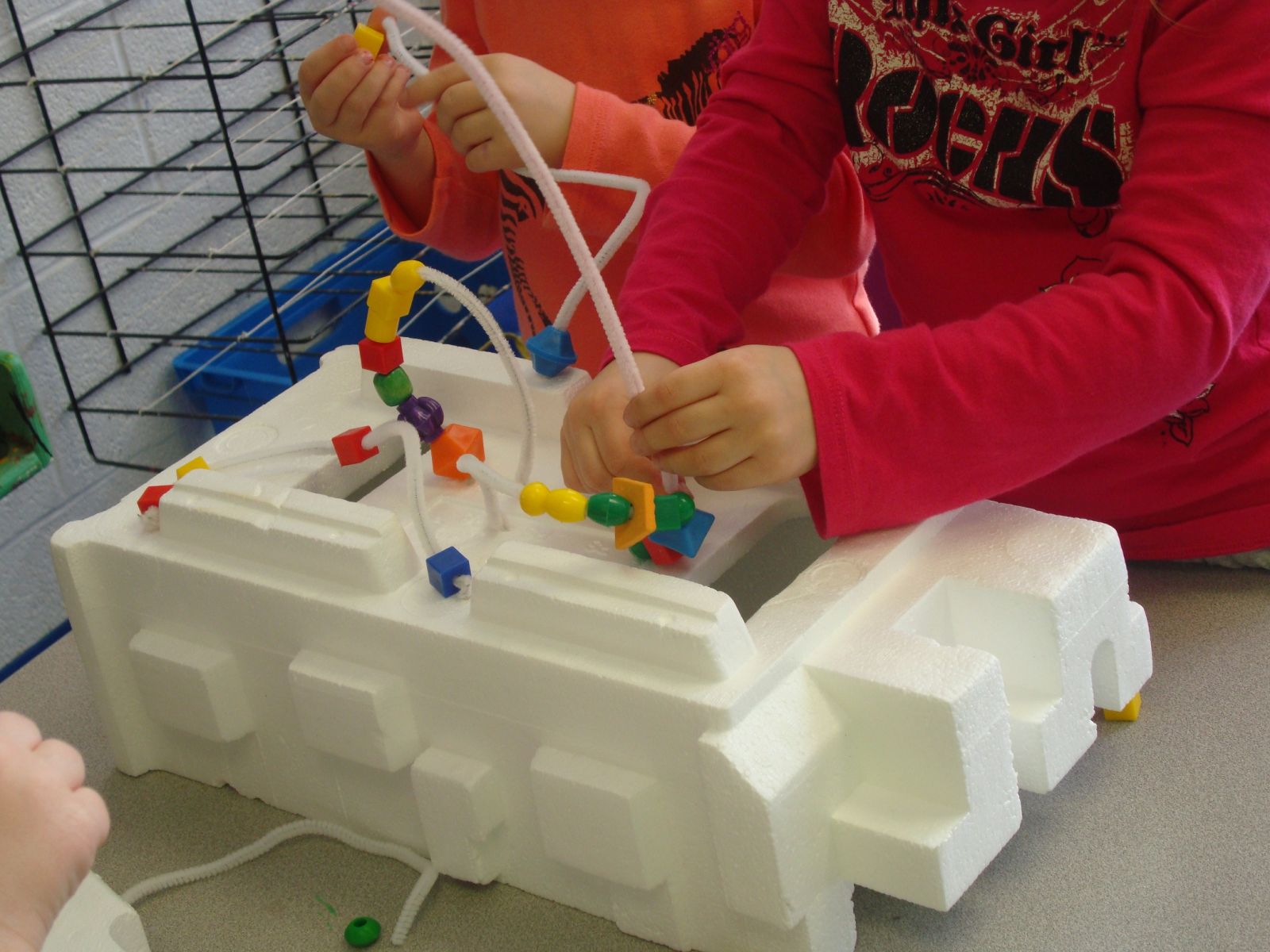
Make Bead Mazes: Styrofoam, pipe cleaner and various shaped bead.

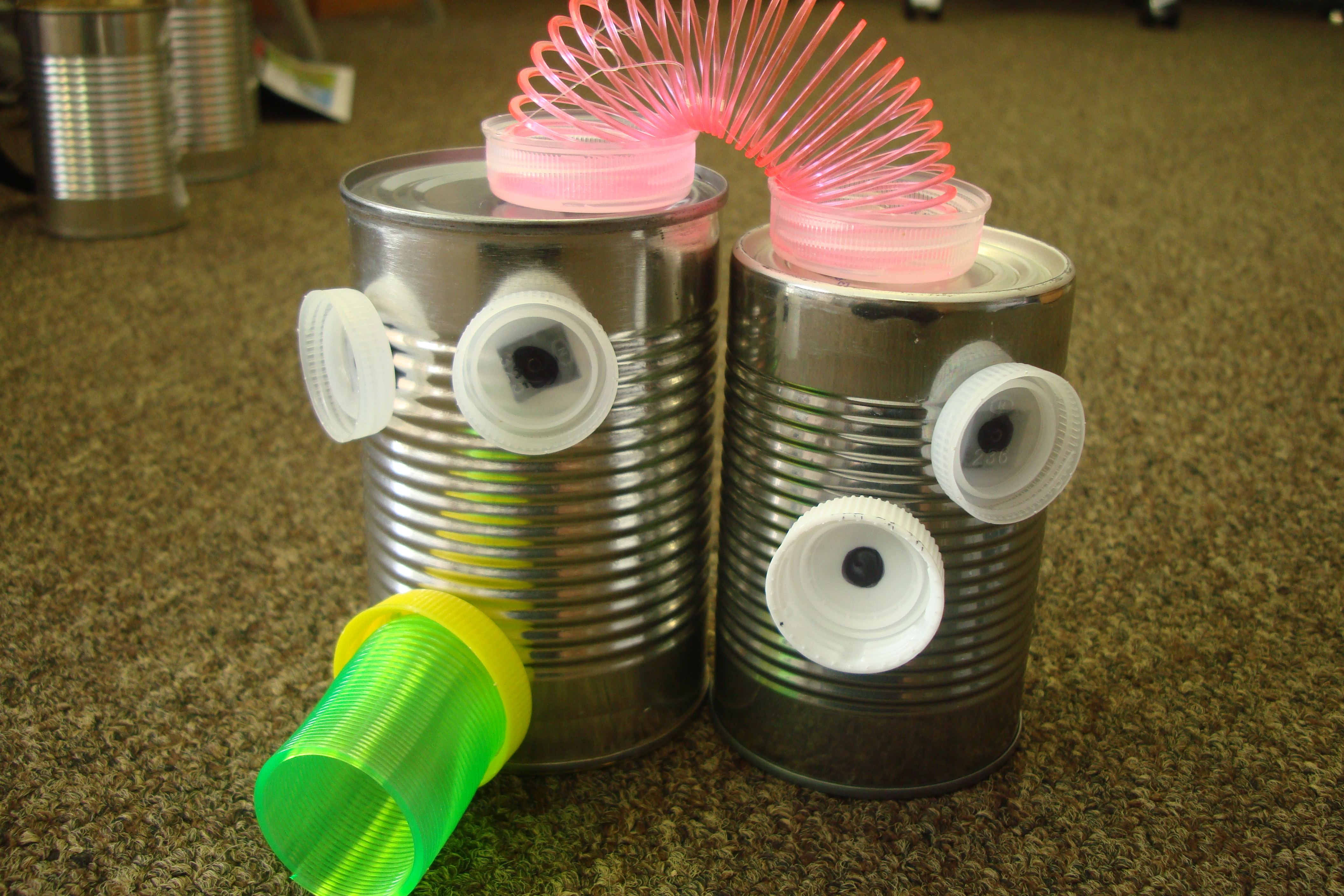
Make a Robot station: Provide metal objects along with plastic and other objects with magnets

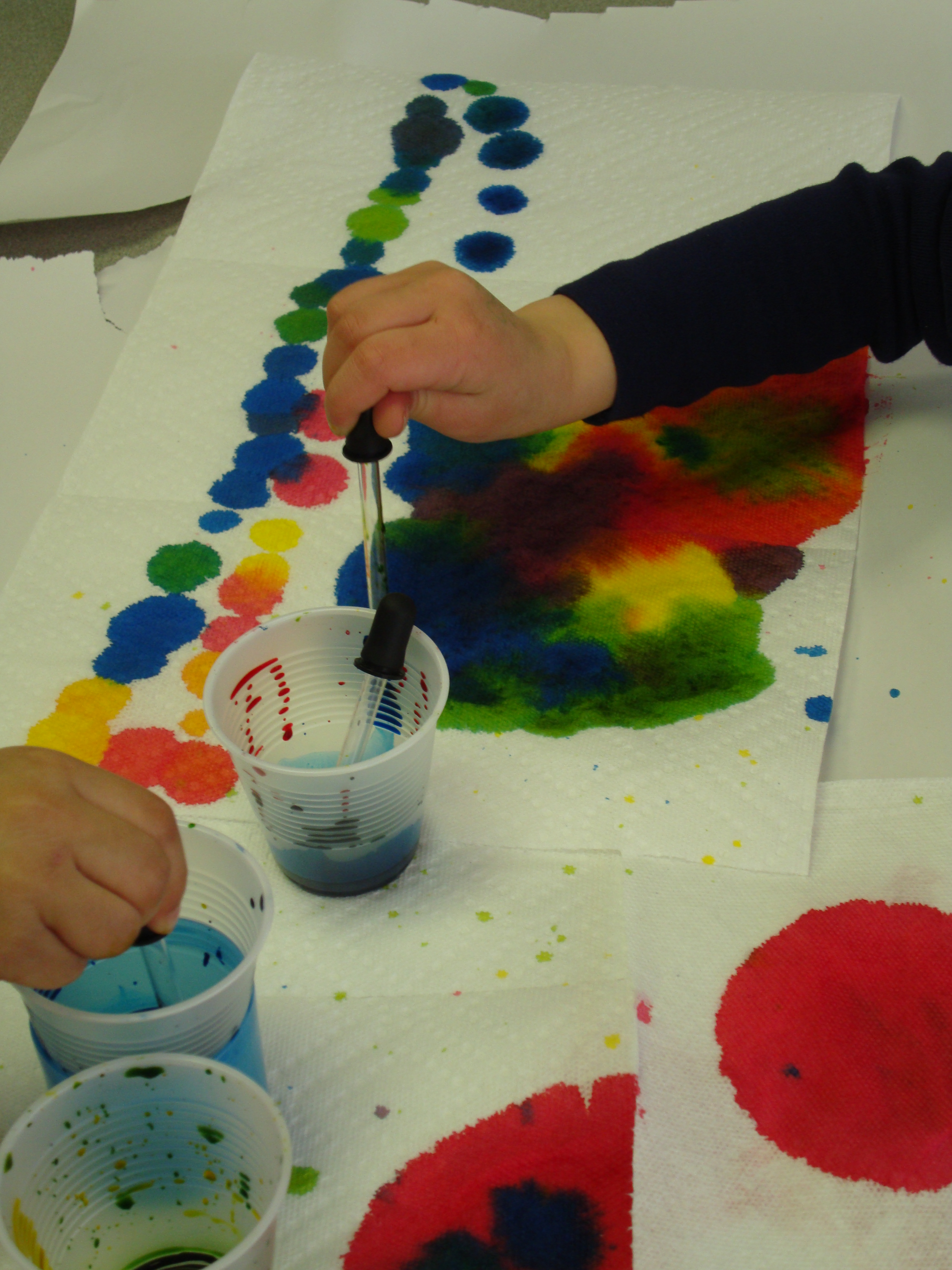
Color mixing / Exploring Art / Science: Eye droppers, watercolors and paper towels


Bruner, J. S. (1961). The Act of Discovery. Harvard Education, 31, 21-32.

Cattaneo, K. H. (2017). Telling Active Learning Pedagogies Apart: From Theory to Practice. Journal Of New Approaches In Educational Research, 6(2), 144-152.


Questions to consider

  1. Share a discovery learning activity you have done in your classroom (include age/grade of your students).
  2. What did you find as pros and cons of incorporating discovery learning activities in your classroom? 
Leave a reply below with your thoughts!


Exploring Learning Theories: Experiential learning

What is Experiential Learning?

“In its simplest form, experiential learning means learning from experience or learning by doing. Experiential education first immerses learners in an experience and then encourages reflection about the experience to develop new skills, new attitudes, or new ways of thinking.”  Lewis and Williams (1994, p.5).

Experiential learning theory is based on the premise that knowledge is effectively acquired through learning experiences and activities outside of the traditional “direct instruction” setting.

Examples include:

  • Field trips
  • Community-based projects
  • Simulations
  • Role-playing
  • Experimental activities

The activities provide a hands-on learning opportunity to acquire skills and knowledge; and has been shown through research to increase student retention and engagement (Kuh, 2008).

Experiential Learning Cycle

As defined by Alice Y. Kolb and David A. Kolb, experiential learning is a “learning cycle or spiral where the learner ‘touches all the bases’- experiencing, reflecting, thinking, and acting-in a recursive process that is responsive to the learning situation and what is being learned.” (Kolb & Kolb, 2005, p.194).

This cycle is defined by four main elements:

  • Concrete experience (Doing / Having an experience)
  • Reflective observation (Thinking about the experience)
  • Abstract conceptualization (Learning from the experience)
  • Active experimentation (Trying out what you learned)

The premise is that experience combined with reflection, analysis and experimentation are vital pieces of the learning process.


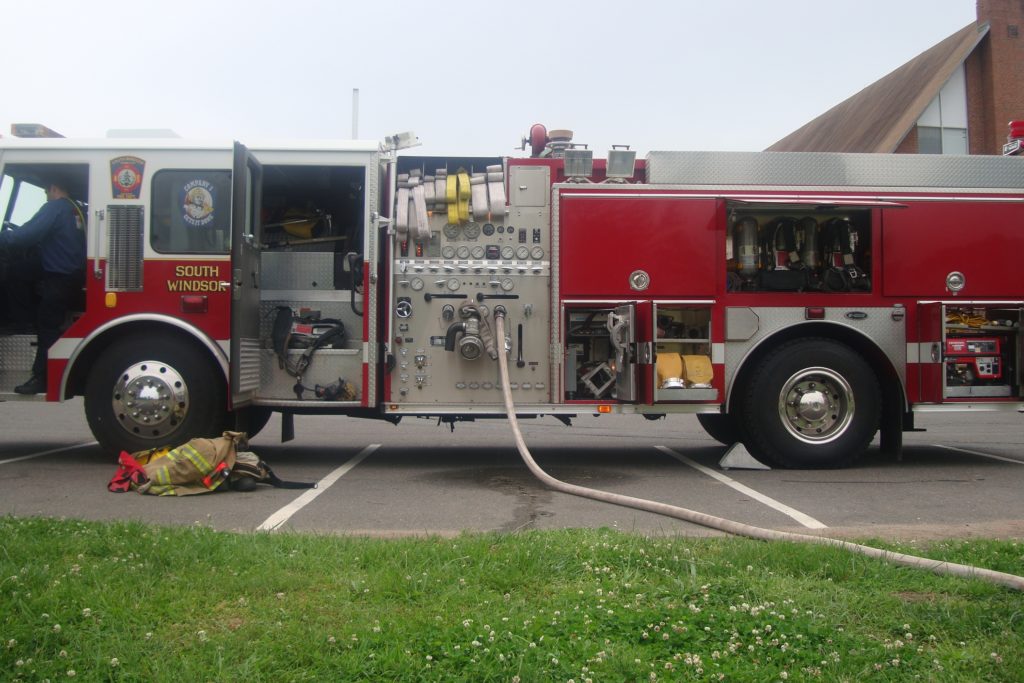
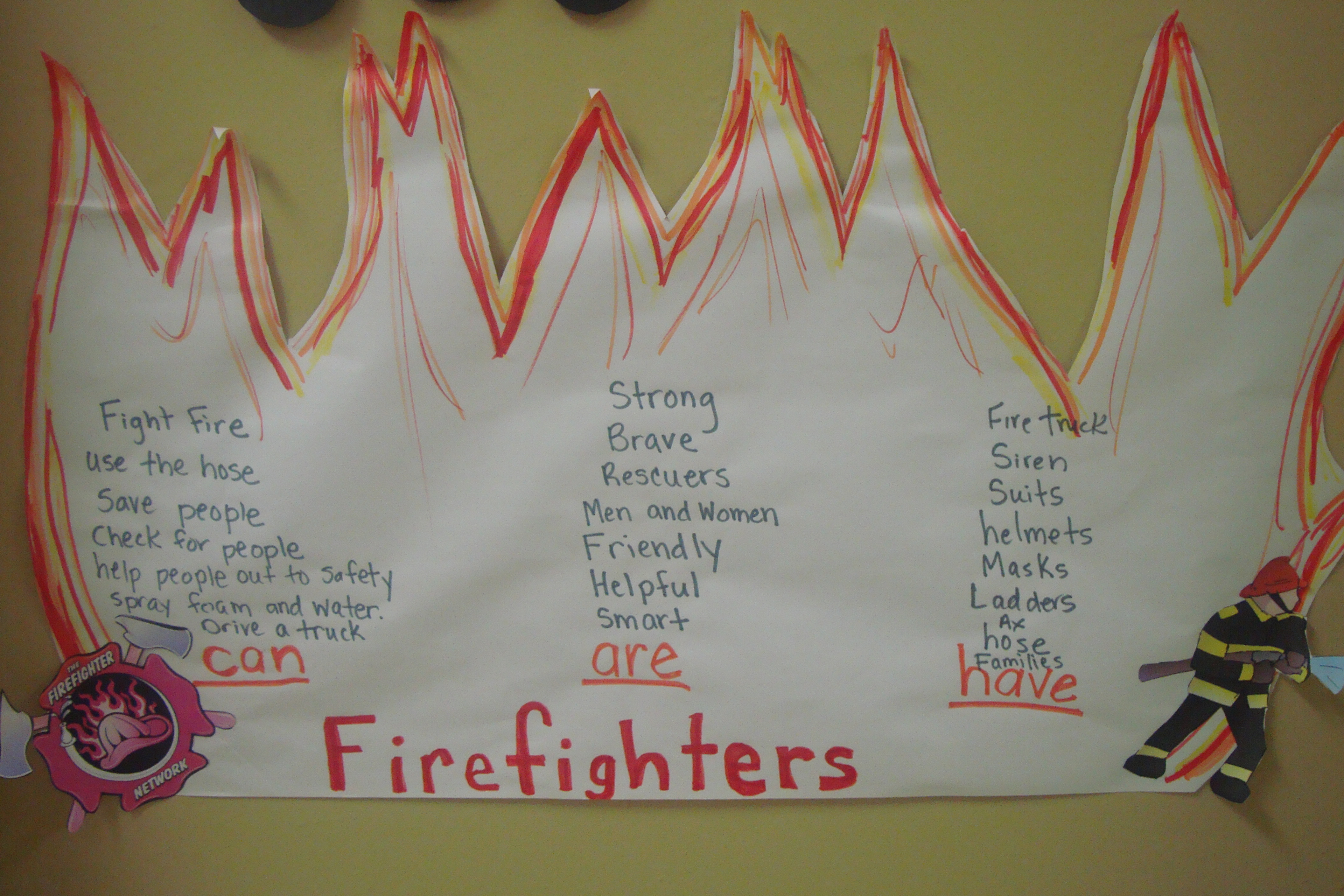
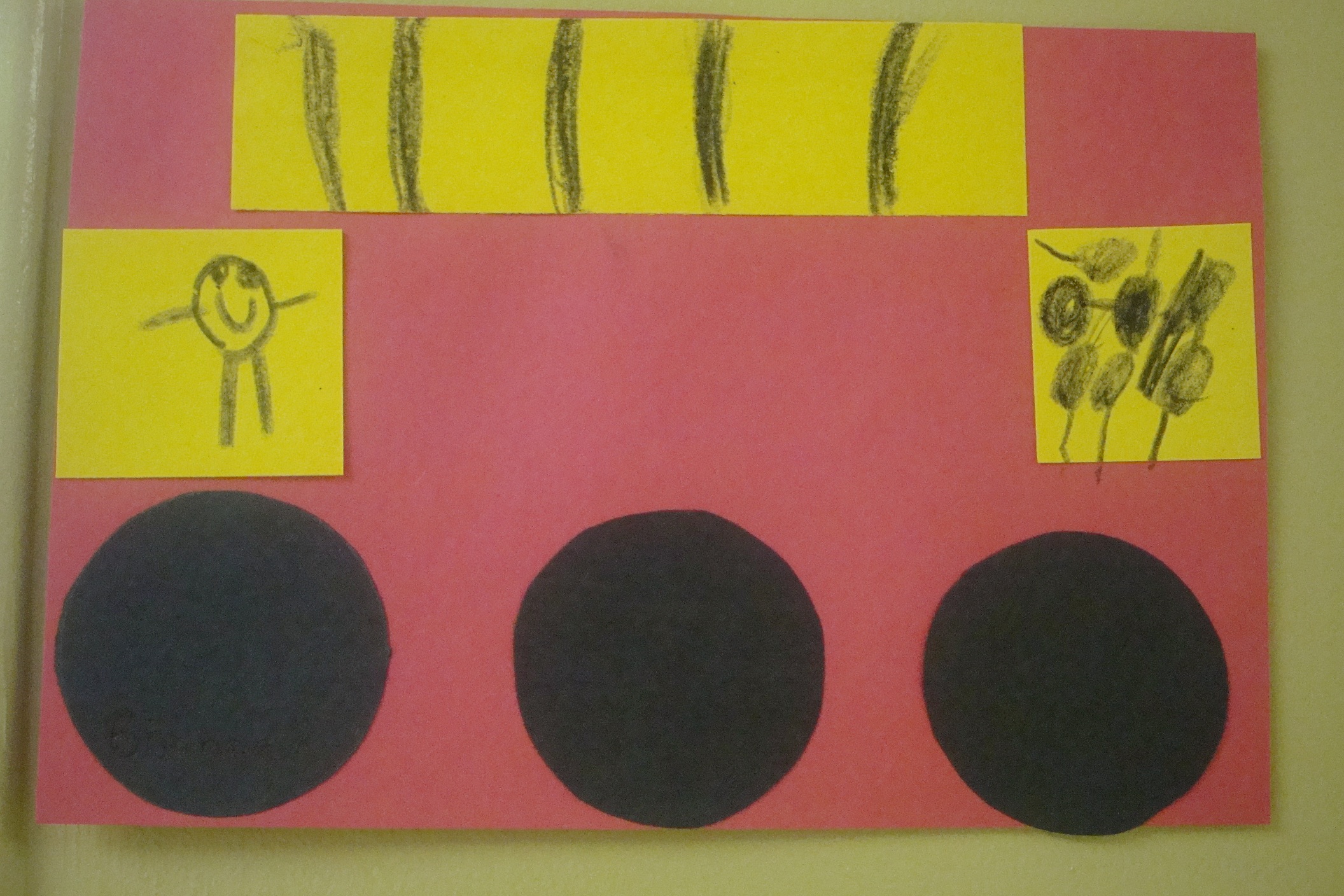
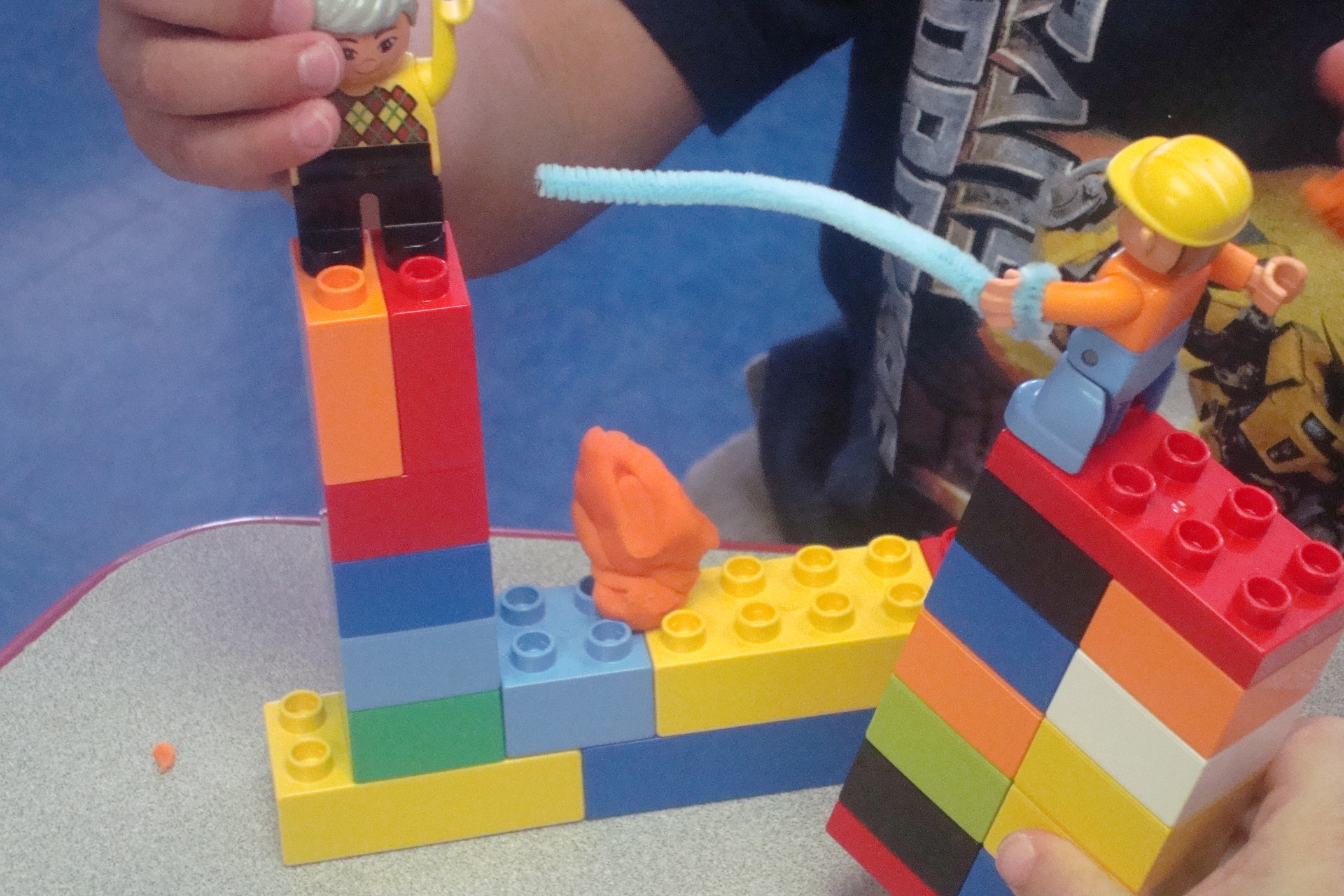
Experiential Learning Example in Early Childhood – Firefighters and Firetrucks


Concrete experience: Visit from local firefighters – explore truck, see fire hose in action, learn about fire safety.

Reflective Observation: Teachers guide discussion about the experience (Create CAN-ARE-HAVE chart)

Abstract Conceptualization: Explore what they learned about the firetruck through art

Active Experimentation: Exploring and re-enacting what they learned about firefighters through block play


Kolb, A. Y., & Kolb, D. A. (2005). Learning styles and learning spaces: Enhancing experiential learning in higher education. Academy of Management Learning & Education, 4(2), 193-212.

Kuh, G. D. (2008). High-impact educational practices: What they are, who has access to them, and why they matter. Washington, DC: Association of American Colleges and Universities.

Lewis, L. H., & Williams, C. J. (1994). Experiential Learning: Past and Present. New Directions For Adult And Continuing Education, (62), 5-16.


Questions to consider

  1. What are some characteristics that should be present in an activity or method in order to define it as experiential? 
  2. Share an experiential learning activity you have done with your class (include age/grade of your students).
Leave a reply below with your thoughts!


Edcamp for early educators

After learning about the concept of an edcamp training during a course I am taking at the University of Saint Joseph; I knew this was something I wanted to organize for preschool teachers and staff in my local area.  I put together the following educational video (below) to explain the idea of an edcamp; and how I applied the model to deliver a professional development session specifically for preschool teachers, directors and child care staff.

What is an Edcamp all about?

Edcamps are free, participant-driven professional development which is done in an “unconference” format.  Session topics are determined by participants, and there are no pre-scheduled presentations or keynotes. The goal is to keep sessions spontaneous, interactive and responsive to everyone’s needs. (Visit edcamp.org to learn more.)

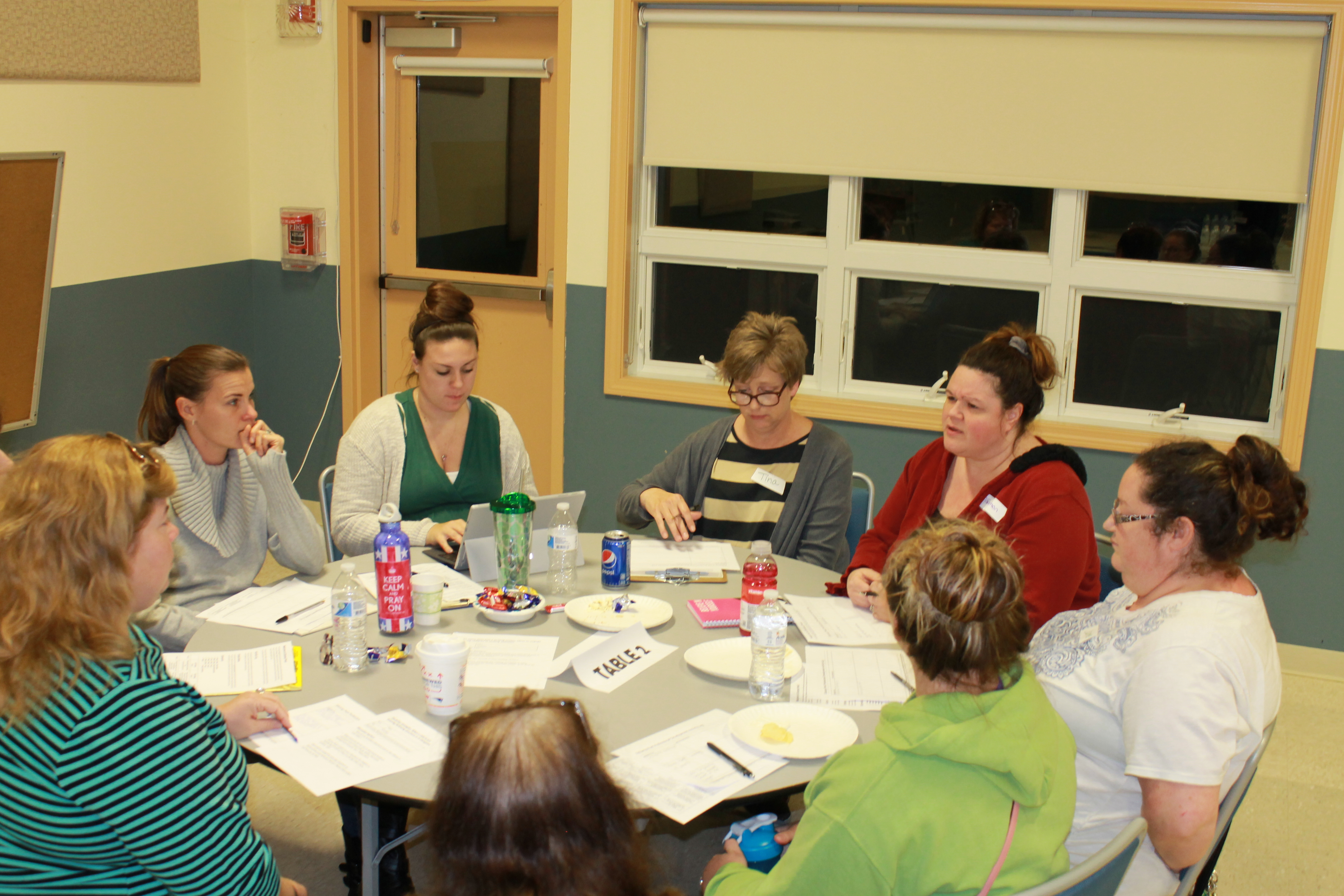
I adapted the Edcamp style to create a shorter professional development session (2 1/2 hours) for infant, toddler and preschool teachers, as well as child care staff and administrators. 

How did the Edcamp work?

  • Participants registered and submitted topic ideas in advance.  

    Using an online registration page, participants were asked to register and submit one or multiple topics for consideration as a breakout session.  About a week prior to the training, I setup a schedule based on session topics that were submitted.  Having topics submitted and the schedule set beforehand allowed us to streamline the training into the shorter timeframe.

  • Participant chose what sessions they wanted to attend.  

    Participants self-selected breakout sessions that were of interest based on the final published schedule.  Teachers were encouraged to move to another session if they had selected a session that did not meet their needs. 

  • Experience, not Experts.  Everyone participated!

    This is the best part!  There is no one expert giving a presentation.  Everyone actively participated, with the guidance of a volunteer facilitator, or discussion leader.  Everyone was encouraged to ask questions, share best practices and support each other to get the most out of the training.  

  • Notes were taken and shared!

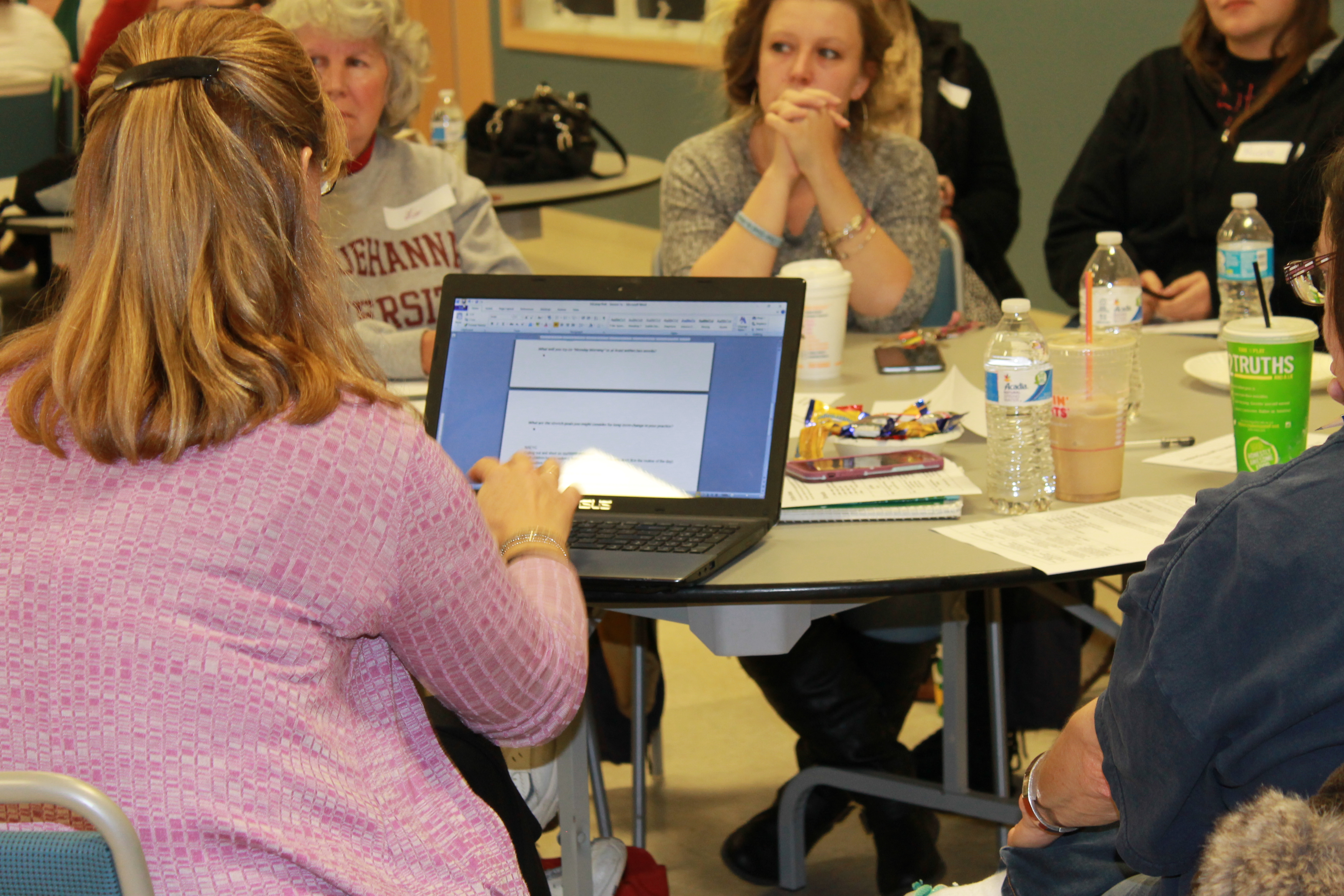
    Participants were given a “session log” to take notes on anything that was important to them. Digital notes were also taken on laptops that were available for each breakout session.  After the training, all laptop notes were uploaded to Google docs and made accessible to all those that attended.  In this way, teachers had access to notes from ALL the sessions (even the ones they didn’t attend)!


 What did participants think about the Edcamp experience?

The feedback was very positive, with many attendees wanting to have another training in the future.  Here is a snapshot of some of the responses:

I loved being able to talk, reflect, share and learn from other centers, directors, staff and my staff!

Do another Edcamp!

Very helpful!  Really enjoyed the open discussion.

I liked the networking/discussions with teachers that I do not work with and compare what works in their classrooms on the topics of stress, literacy and movement.

I think that it was really interesting to be able to talk with other teachers.


Anyone can organize an Edcamp!

Take a look at the video below to get a peek at how we setup this edcamp training for ECE professionals. I hope it inspires others to consider this type of collaborative training model for their school and/or community!

A few of my favorite #DigCitSummit things!

The Digital Citizenship Summit is a conference that focuses on engaging in conversations about kids and technology use. This organization brings together parents, educators, industry organizations AND students to talk about positive ways to address social media and technology use as a community.

The latest DigCitSummit took place in Utah on November 3 & 4, 2017.  If you follow #DigCitSummit, you can see the conversations that took place.  Here are a few of my favorite resources that I learned more about from the Summit!

Favorite thing #1

BOOK:
“Noah’s New Phone – A story about using technology for good” –  

I love using books and stories as a way to teach kids.  It’s a great way to help connect with them at a level that is age-appropriate and meaningful to them.  This book is geared towards kids ages 7-11, and can be used to start the conversation about good ways to use a cell phone when introducing it to your child.

Favorite thing #2

WEBSITE: 
educateempowerkids.org

This website is a great resource for parents and teachers as they teach their kids about digital citizenship, media literacy and the dangers of inappropriate online content.  There are sections for parent that include videos to help guide you through digital issues you may face; such as how to react when your child is obsessed with a video game.  There are also lessons with activities to teach about many topics, such as media literacy, gratitude, using tech for good and more.

To get an idea of what you can find, start with this post on “5 ways kids can use smartphones for good“.

Favorite thing #3

SOCIAL LEARNING TOOL: 
Flipgrid

Flip the classroom and break down the walls!  Flipgrid is a video discussion tool that teachers can use in the classroom to promote student voice and collaboration.  Teachers can add a topic which the students can respond to using short videos. Use it to engage with the classroom across the hall, a school in another state or a classroom in another country.  

Favorite thing #4

COMMUNITY ORGANIZATION:
BRAVE Girls Leadership Inc. – girlsarebrave.org

Our mission of this amazing student-run organization is “to inspire and challenge humans to be BRAVE and self-empowered contributors to a better world”. They work towards this mission through mentoring, leadership opportunities and community engagement projects – all run by and for students!